Blood of Dawnwalker Devs Confirm Fixes As Players Report Stuttering, Crashes And Other Launch-Day Problems
BLOOD OF DAWNWALKER JUST LAUNCHED… AND THE DEVS ARE ALREADY FIGHTING FIRES 🔥
The game is barely out, yet players are already reporting stuttering, shader-compilation crashes, sprinting problems and controller issues.
And now Rebel Wolves has publicly acknowledged the biggest complaints.
Some problems have workarounds right now.
Others? The developers are still working on the fixes.
There’s even a bizarre issue where sprinting can stop when you change direction with a controller…
And then there’s the crash that happens during shader compilation — one that the developers say may require a BIOS update to solve.
But here’s the interesting part:
The first post-launch hotfix is already out… and it DOESN’T fix everything. 👀
So what exactly was fixed?
Which problems are still unresolved?
And should PC players wait before jumping into Coen’s vampire nightmare?
🔥 Here’s the latest Blood of Dawnwalker performance situation — including the fixes and workarounds you need to know 👇
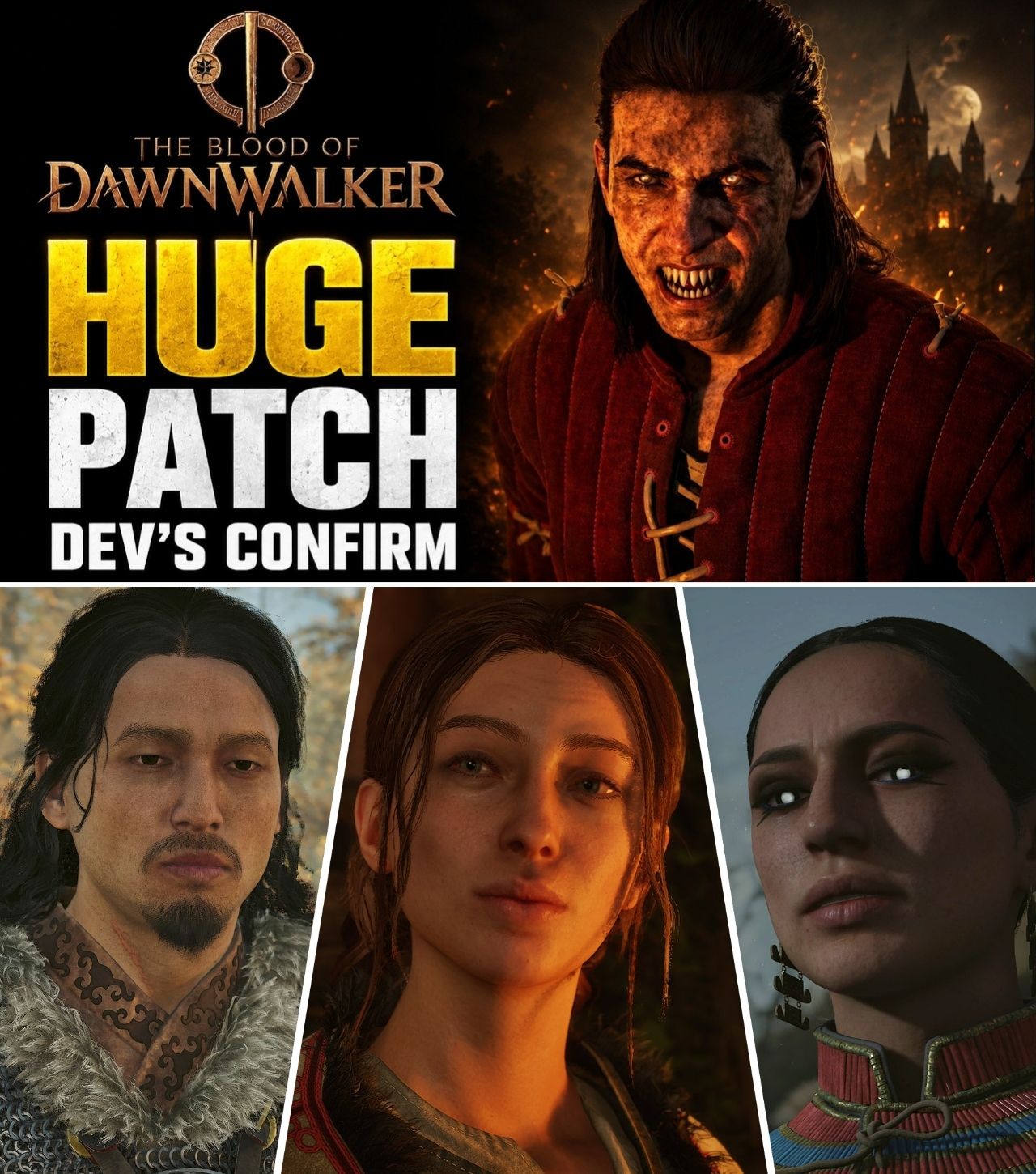
The Blood of Dawnwalker has finally arrived, giving players their first full opportunity to explore Vale Sangora as Coen. But while the vampire action RPG has received strong early attention, its launch has also exposed a number of technical problems — particularly on PC.
Rebel Wolves has now acknowledged several of the most frequently reported issues and provided temporary workarounds while additional fixes are being developed.
The situation is moving quickly. The game’s first post-launch hotfix, version 1.0.2, was released on September 3, just one day after launch, addressing several quest problems and PC controller issues. At the same time, the studio confirmed that other problems, including stuttering, shader-compilation crashes and missing PS5 button-remapping functionality, remain under investigation.
That has left players with a familiar question for a major RPG launch:
Is Blood of Dawnwalker suffering from a serious optimization problem, or are these the kinds of early issues that can be ironed out through patches?
The evidence so far suggests something closer to the latter — but PC players in particular still have reasons to be cautious.
The Problems Players Are Reporting
The complaints are not centered on one single issue.
Instead, early players have reported a collection of technical and control problems affecting different configurations.
Rebel Wolves itself has identified four recurring complaints: stuttering in Windowed or Borderless mode, crashes during shader compilation, the absence of button remapping for PS5 controllers, and an issue where sprinting can stop when players change direction using a gamepad.
That last problem is particularly unusual.
A player may be sprinting normally, change direction with the controller, and suddenly find Coen’s sprint interrupted. It is not necessarily a performance problem in the traditional sense, but it can be frustrating in an action RPG where movement and combat are closely connected.
The developers are working on a permanent fix.
For now, however, they have suggested a temporary solution: changing controller sensitivity from 1.0 to 0.8 in the console settings.
Stuttering: The First Workaround Is Surprisingly Simple
One of the most common complaints concerns stuttering while running the game in Windowed or Borderless mode.
Rebel Wolves’ immediate recommendation is straightforward:
Use Full Screen mode instead.
The studio specifically acknowledged that players experiencing stuttering in Windowed or Borderless modes should try launching the game in Full Screen.
That does not mean every performance problem disappears when Full Screen is selected.
Rather, it is an officially recommended workaround for a specific configuration-related issue.
This distinction matters.
Players have been discussing performance inconsistencies since launch, with PC users in particular comparing different hardware configurations and settings. A pre-release Reddit discussion had already anticipated the importance of the Day One performance update, with users discussing whether their CPUs and GPUs would be able to maintain comfortable frame rates.
After release, those concerns became more concrete.
Shader Compilation Crashes Are A Bigger Concern
The more serious problem is crashing during shader compilation.
Some PC players have reported crashes while the game is compiling shaders during startup. Rebel Wolves has acknowledged the issue and recommends checking whether the motherboard BIOS is up to date. According to the developer’s guidance, updating the BIOS “should” resolve this particular problem.
That is an unusual workaround for an ordinary game crash.
For players who are not comfortable updating BIOS firmware, it can also be considerably more intimidating than simply changing a graphics setting.
Importantly, the developer recommendation does not mean every crash in Blood of Dawnwalker is caused by an outdated BIOS.
The guidance specifically concerns crashes occurring during shader compilation.
Players experiencing unrelated crashes should not automatically assume a BIOS update is the answer.
Still, the fact that Rebel Wolves has publicly identified this issue is significant.
The First Hotfix Is Already Live
The good news for players is that Rebel Wolves did not wait weeks before releasing its first post-launch update.
Hotfix 1.0.2 began rolling out on PC on September 3, with console deployment also reported under update 1.004.
However, the size of the first hotfix should temper expectations.
It is not a giant optimization overhaul.
The update focuses on several specific problems.
According to the published patch notes, Coen can now talk to Farkas even after killing all the NPCs around him. The tutorial issue involving Lunka getting lost while leading Coen has also been corrected. In addition, the Uriashi blacksmith can now craft a previously unavailable holy sword.
The PC version also received adjustments to controller dead zones and input problems affecting sprinting.
Those fixes may sound relatively minor compared with widespread performance concerns, but their speed is notable.
The game had only been available for roughly a day when the hotfix appeared.
What The Hotfix Did NOT Fix
This is perhaps the most important part for new players.
The first hotfix did not eliminate every technical complaint.
Rebel Wolves continues to list stuttering in Windowed/Borderless mode as a known issue, with Full Screen recommended as the workaround.
Shader-compilation crashes are also still listed, with players advised to check their BIOS.
The missing ability to remap buttons on a PS5 gamepad remains unresolved as well.
GamesRadar likewise reported that Rebel Wolves has promised additional improvements and specifically acknowledged ongoing issues with stuttering and crashes.
That means players should not interpret Hotfix 1.0.2 as a complete performance patch.
It is better understood as the first step in what appears to be a continuing post-launch cleanup process.
Console Players Appear To Be In A Better Position
The current situation also appears to differ depending on platform.
Kotaku reported that the game launched more smoothly on consoles than on PC, while PC users encountered several of the most visible technical complaints.
That does not mean PS5 and Xbox players are completely unaffected.
The PS5 controller remapping problem, for example, remains on the developers’ known-issues list.
There was also considerable discussion before launch about console performance modes.
Rebel Wolves ultimately added a Performance Mode targeting 60fps on PS5, PS5 Pro and Xbox Series X through the launch patch after community criticism of the originally announced 30fps and 40fps options.
That earlier decision is worth remembering because it shows the studio has already demonstrated a willingness to change its plans in response to player feedback.
The current technical situation is therefore occurring against a backdrop of an unusually responsive launch period.
The Community Reaction Is Mixed — But Not Apocalyptic
Despite the technical complaints, the early community response does not suggest that Blood of Dawnwalker has suffered a disastrous launch.
Kotaku reported a PC Metacritic score of 84 and noted that the game had a 75-percent positive rating from more than 1,400 Steam reviews at the time of publication.
Those numbers are important context.
Players can simultaneously enjoy the game’s story, combat and world while criticizing technical performance.
That appears to be what is happening here.
On Reddit, discussions have included players asking about PC performance and others sharing workarounds or information about patches. A community post compiling the known issues specifically highlights the developers’ recommendations for stuttering, shader crashes and controller problems.
The conversation therefore has not simply become “the game is broken.”
Instead, it is closer to:
The game is good — but why does it still have these technical problems?
Why PC Players Are Feeling The Pain More
Modern open-world RPGs can be particularly challenging to optimize on PC because developers have to account for a huge range of hardware combinations.
CPU, GPU, RAM, storage speed, driver versions, BIOS versions and display configurations can all affect the experience.
Blood of Dawnwalker adds another layer through its large world and demanding visual presentation.
That makes the early performance reports difficult to reduce to one universal verdict.
A high-end system can behave differently from a mid-range PC.
Likewise, two PCs with similar GPUs can produce different results because their CPUs, memory configurations or drivers differ.
This is one reason Rebel Wolves has offered configuration-specific workarounds rather than claiming that one universal fix will solve every problem.
Players Should Be Careful With Random “Fixes”
The rapid spread of performance advice has also created another potential problem.
As soon as a major PC game launches with stuttering or crashes, forums and social media fill with proposed solutions.
Some are legitimate.
Others are simply guesses.
For Blood of Dawnwalker, players should distinguish between fixes recommended directly by Rebel Wolves and community-created workarounds.
The developer-backed advice currently includes:
Stuttering in Windowed/Borderless: Try Full Screen.
Shader compilation crash: Check that the BIOS is up to date.
PS5 controller remapping: No current workaround; feature is being worked on.
Sprinting stopping when changing direction on gamepad: Try lowering controller sensitivity from 1.0 to 0.8 while waiting for the fix.
That is a much safer starting point than downloading random third-party “performance fix” files from the internet.
A Promising Sign: Rebel Wolves Is Moving Quickly
The most encouraging part of the situation may be the speed of the response.
Blood of Dawnwalker launched on September 3.
By the same day, Rebel Wolves had already issued Hotfix 1.0.2 and publicly outlined the remaining known issues. GamesRadar described the rapid post-launch response as encouraging, while the developers promised continued improvements.
That does not excuse the launch problems.
But it does provide some indication of how the studio is handling them.
Rather than dismissing reports or leaving players guessing, Rebel Wolves has acknowledged specific problems and provided concrete workarounds where possible.
The remaining question is how quickly those temporary solutions become permanent fixes.
What Players Should Expect Next
The immediate future will likely revolve around additional patches.
The developers have already confirmed that more improvements are coming, particularly for stuttering, crashes and controller-related problems.
For PC players, that means the technical state of Blood of Dawnwalker is likely to change substantially during its first weeks on the market.
For now, anyone experiencing problems should first install the latest update and use the official workarounds.
Players experiencing Windowed or Borderless stuttering should try Full Screen.
Those encountering shader-compilation crashes should check their BIOS.
And gamepad users dealing with interrupted sprinting can try the recommended sensitivity adjustment while waiting for the permanent fix.
The Bottom Line
The Blood of Dawnwalker has not had a flawless technical launch.
PC players have encountered stuttering, shader-compilation crashes and controller problems, while PS5 users are still waiting for button-remapping functionality. Rebel Wolves has acknowledged these issues and says additional fixes are being prepared.
At the same time, the studio has already released its first post-launch hotfix and is responding to reports unusually quickly.
The first update does not solve everything.
But it does establish a clear pattern: Rebel Wolves is actively monitoring the launch and pushing fixes rather than treating the current state as finished.
For a brand-new RPG from a newly established studio, that distinction could matter considerably.
The coming weeks will determine whether these launch problems become a temporary footnote — or a much bigger issue for Blood of Dawnwalker.
For now, Coen’s vampire journey continues.
The developers just have some monsters of their own to kill first.