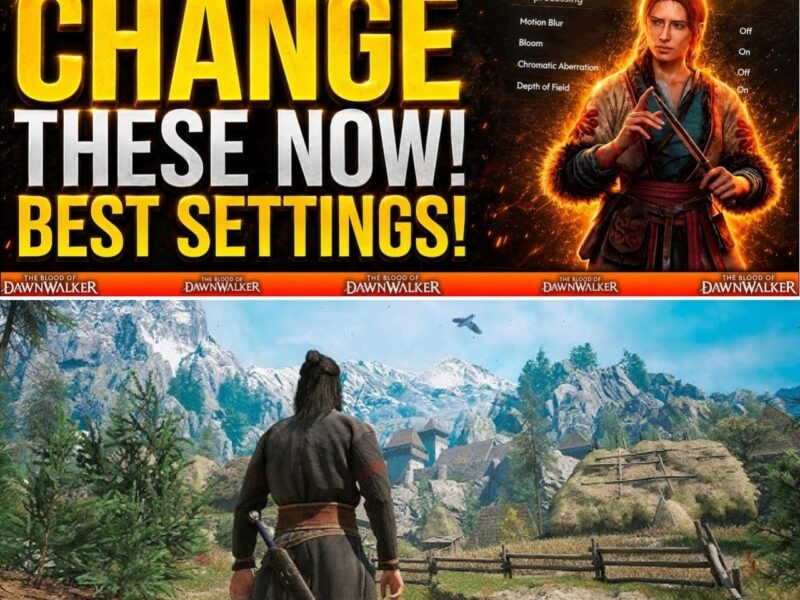
Blood of Dawnwalker Console Settings Guide: Should You Choose 30FPS, 40FPS Or 60FPS On PS5 And Xbox?
BLOOD OF DAWNWALKER PLAYERS JUST GOT A HUGE SURPRISE… 60FPS IS FINALLY HERE 😳🔥
For a moment, console players thought they would have to choose between 30FPS and 40FPS — even on PS5 Pro.
Then the backlash started.
Rebel Wolves heard the complaints… and suddenly the launch plan changed.
Now PS5, PS5 Pro and Xbox Series X have Performance, Balanced and Quality modes — but which one actually looks and feels best?
Is 60FPS worth giving up visual quality?
Is 40FPS the secret sweet spot?
And what about Xbox Series S players, who don’t get the same options?
👀 The best Blood of Dawnwalker console settings may NOT be the one you expect.
🔥 Here’s exactly which mode you should use on PS5 and Xbox 👇
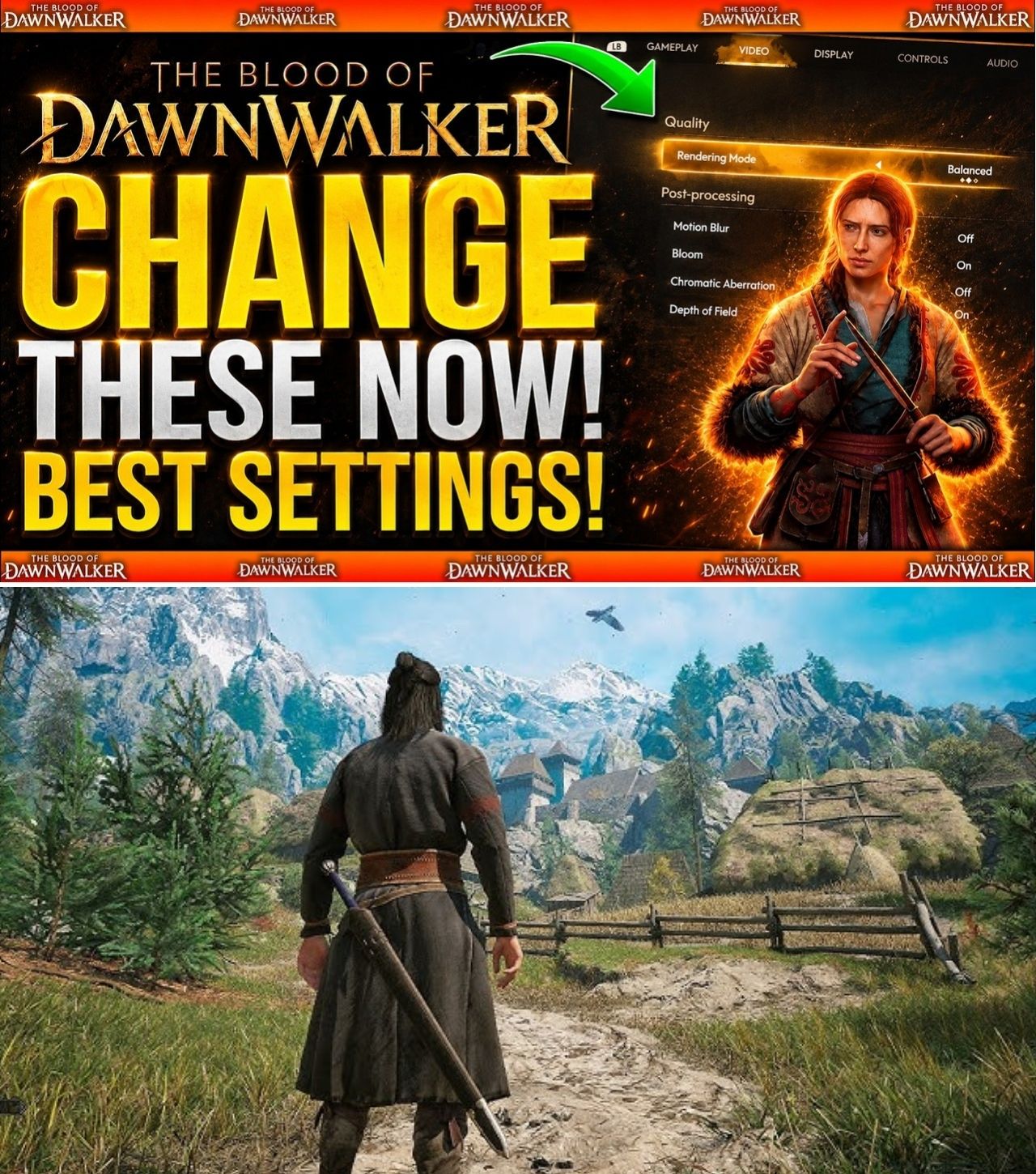
When The Blood of Dawnwalker revealed its console graphics options shortly before launch, one number immediately became the center of attention: 40.
Rebel Wolves initially announced that PlayStation 5, PlayStation 5 Pro and Xbox Series X would offer a Quality Mode targeting 30 frames per second and a Balanced Mode targeting 40fps. There was no 60fps option initially announced, including on the more powerful PS5 Pro.
The reaction from console players was swift.
For an action RPG built around sword combat, supernatural abilities and fast movement, many players argued that 40fps was not enough. Discussions across Reddit and other gaming communities quickly focused on whether they should sacrifice resolution and visual quality for smoother gameplay — or wait for a performance update.
Then Rebel Wolves changed the situation.
Following the backlash, the studio confirmed that a Performance Mode targeting 60fps would arrive through the Day 1 launch patch on PS5, PS5 Pro and Xbox Series X.
That leaves console players with a much more interesting choice.
30fps, 40fps or 60fps?
The answer depends largely on your display, your tolerance for image-quality compromises and how much you value responsiveness during combat.
The Three Modes At A Glance
Following the Day 1 update, PS5, PS5 Pro and Xbox Series X have three graphics options:
Mode
Target
Main Advantage
Performance
60fps
Smoother gameplay and more responsive controls
Balanced
40fps
Middle ground between smoothness and image quality
Quality
30fps
Highest visual quality
The important word is “target.”
Rebel Wolves describes Performance Mode as targeting 60fps rather than guaranteeing a completely locked 60fps in every possible situation. Players should therefore expect that demanding scenes may produce occasional dips or hitches.
PS5 Pro receives additional visual enhancements across its available modes, giving owners of Sony’s more powerful console another advantage beyond the frame-rate selection.
Xbox Series S is the major exception.
It launches with a single mode targeting 30fps, without the 40fps or 60fps options available on PS5, PS5 Pro and Xbox Series X.
Why 60FPS Became Such A Big Deal
The controversy surrounding Blood of Dawnwalker was not simply about numbers.
It was about expectations.
When the original console information revealed 30fps and 40fps modes, players immediately questioned why an action-focused RPG launching in 2026 would not offer a performance-oriented option on current-generation hardware.
Some community reactions went as far as saying they would wait for a performance update rather than play at 30fps or 40fps. Others argued that they would rather accept lower resolution than sacrifice responsiveness.
The situation became unusual because even PS5 Pro initially had no 60fps option.
That made the announcement particularly controversial.
But Rebel Wolves said the Performance Mode was already being worked on and was simply still undergoing testing. After the feedback, the studio prioritized another round of testing and subsequently confirmed that the mode would be ready for Day 1.
So the 60fps mode is not an afterthought invented from scratch overnight.
It was already in development.
The community reaction appears to have accelerated the decision to officially commit to it.
Performance Mode: The Best Choice For Most Players
For most people playing Blood of Dawnwalker on PS5, PS5 Pro or Xbox Series X, Performance Mode is the easiest recommendation.
The reason is straightforward.
The game is an action RPG.
Coen fights with swords, blocks attacks, uses supernatural abilities and moves around the world at high speed. A higher frame rate generally makes camera movement and input response feel more immediate.
That can matter considerably during combat.
A 60fps target also produces a much more fluid image than 30fps. Even without discussing resolution or graphical settings, the difference in motion clarity is immediately noticeable to many players.
The trade-off is that Performance Mode is designed around achieving the higher frame-rate target rather than maximizing image quality.
For players sitting relatively close to a large 4K television, the difference may be noticeable.
But for players who prioritize responsiveness, the sacrifice can be worthwhile.
Recommended for:
Action-focused players.
Players who value responsive controls.
Anyone accustomed to 60fps gaming.
VRR television/monitor owners.
Players who spend a lot of time in combat.
VGC’s post-launch testing also found that Performance Mode can appear smooth through much of the gameplay when used with a VRR display, although minor hitches and stutters can still occur.
Balanced Mode: The Potential Sweet Spot
Then there is 40fps Balanced Mode.
This option was originally the highest frame-rate setting announced for the game before the 60fps update arrived.
It remains an interesting choice because 40fps sits directly between 30fps and 60fps in terms of motion smoothness, while allowing the game to preserve more visual quality than a 60fps-oriented mode.
However, there is an important technical requirement.
A 40fps presentation works best on a display capable of 120Hz output.
The reason is simple: 40fps divides evenly into 120Hz, allowing each frame to be displayed for exactly three refresh cycles.
That makes 40fps significantly more attractive on a modern 120Hz television than it would be on a standard 60Hz display.
For players with a good 120Hz TV who want better image quality without dropping all the way to 30fps, Balanced Mode could be an excellent compromise.
Recommended for:
120Hz TV owners.
Players who want better visuals than Performance Mode.
Players who find 30fps too slow.
Players who do not require 60fps.
It is arguably the mode that makes the most sense for players caught between visual fidelity and responsiveness.
Quality Mode: When Graphics Matter More Than Frame Rate
Quality Mode targets 30fps at Dynamic 4K on the supported consoles. Before the Day 1 patch, this was the highest visual-quality option available.
Thirty frames per second is obviously less fluid than 40fps or 60fps.
But that does not automatically make it a bad option.
Blood of Dawnwalker is a visually demanding dark fantasy RPG, and some players will prefer seeing the game’s environments, lighting and visual details at the highest available quality.
The difference becomes particularly relevant for players who treat the game as a cinematic RPG rather than a pure action experience.
If you are exploring forests, medieval settlements, castles and atmospheric environments and care more about visual presentation than reaction speed, Quality Mode remains a legitimate choice.
Recommended for:
Players prioritizing graphics.
Cinematic RPG fans.
Players who are comfortable with 30fps.
Displays where image quality is more important than responsiveness.
But for combat-heavy players, 30fps is difficult to recommend over the newer Performance Mode.
PS5 vs PS5 Pro: Which Setting Should You Use?
PS5 Pro has an advantage because it receives enhanced visual quality in addition to the three frame-rate targets.
That makes the Pro arguably the most flexible console version.
A PS5 Pro owner with a VRR display has a particularly strong argument for trying Performance Mode first.
VGC’s testing suggests the PS5 Pro’s Performance Mode maintains strong image quality while targeting 60fps, although minor stutters can still appear.
If the image quality looks good enough to you, there is little reason to sacrifice responsiveness simply to move to 40fps.
However, players with a strong preference for maximum visual fidelity can still experiment with Quality Mode.
The advantage of the Pro is flexibility.
What About Xbox Series X?
Xbox Series X receives the same basic trio:
60fps Performance / 40fps Balanced / 30fps Quality.
That makes the decision almost identical to PS5.
If your television supports VRR and 120Hz, Performance Mode is the natural starting point.
If you want a visual compromise, try Balanced.
If you want maximum image quality and do not mind 30fps, choose Quality.
The key point is that Series X owners no longer have to accept the original 40fps ceiling.
The Day 1 update changed that.
Xbox Series S Is A Different Story
Series S owners face the biggest limitation.
The console has a single mode targeting 30fps. There is currently no 40fps Balanced Mode or 60fps Performance Mode announced for Series S.
That means there is no frame-rate decision to make on Microsoft’s smaller console.
Instead, players should concentrate on their television settings.
If the display supports VRR, it is still worth enabling it at the system level where appropriate. But players should not expect the same frame-rate flexibility available on Series X.
This is one of the clearest hardware differences between the console versions.
Don’t Confuse VRR With A 60FPS Mode
One common source of confusion in discussions about console performance is VRR.
Variable Refresh Rate can make fluctuations in frame rate appear smoother by allowing the display’s refresh rate to adjust dynamically.
But VRR does not turn a 30fps game into a 60fps game.
Likewise, having a 120Hz television does not automatically mean a game will run at 120fps.
For Blood of Dawnwalker, the important distinction is:
Performance Mode targets 60fps.
Balanced Mode targets 40fps.
Quality Mode targets 30fps.
Your television can help present those frame rates more effectively, but it does not create the performance itself.
So Which Setting Is Actually Best?
For the majority of players on PS5, PS5 Pro and Xbox Series X, the answer is:
Start With Performance Mode.
If you play a lot of action games and immediately notice the difference between 30fps and 60fps, you will probably prefer the smoother option.
If you own a 120Hz display and want more visual quality, Balanced Mode at 40fps is worth testing.
And if you’re primarily interested in visual fidelity and cinematic presentation, Quality Mode at 30fps remains available.
A simple recommendation looks like this:
PS5 / Xbox Series X + VRR → Performance
PS5 / Xbox Series X + 120Hz, want better graphics → Balanced
Maximum visuals → Quality
Xbox Series S → 30fps mode
The Bigger Story Behind The 60FPS Update
The graphics-mode controversy ultimately became an unusual example of developers responding quickly to player feedback.
Rebel Wolves initially published information showing 30fps and 40fps targets. The community reaction was strong enough that the studio accelerated testing on a Performance Mode that was already in development.
The result is a significantly better launch situation for console players.
Instead of forcing everyone into a choice between 30fps and 40fps, PS5, PS5 Pro and Xbox Series X owners can now decide how they want to experience the game.
And that may be the most important takeaway.
There is no universally correct setting.
For an RPG like The Blood of Dawnwalker, some players will want the atmosphere and image quality of Quality Mode. Others will immediately notice the responsiveness of 60fps.
But at least now, players have the choice.
And for anyone starting Coen’s journey on September 3, that choice is considerably better than what players originally thought they were getting.