CLAWING BACK THE PAST: How Hardcore ‘Assassin’s Creed’ Fans Are Overriding Ubisoft’s ‘New’ Controls to Reclaim 2013 Nostalgia
Are OG Assassin’s Creed fans being systematically ignored by Ubisoft? 🤯
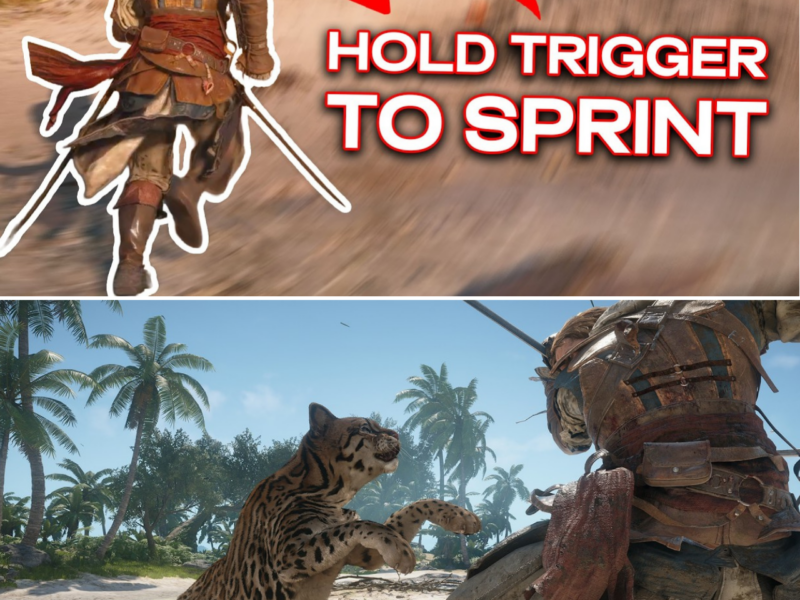
The newly released “Black Flag Resynced” is breathtaking, but the updated RPG-style controls (climbing with A/Cross and attacking with bumpers) are driving legacy players absolutely insane. If you are tired of modern hand-holding mechanics and want to bring back that legendary, high-stakes 2013 parkour flow—holding the Trigger to sprint and bashing X/Square to counter-kill—the community just discovered a massive bypass in the system settings. But there’s a catch: changing just one button triggers a domino effect of conflicting bindings that can completely ruin your stealth and ability widgets if you don’t do it exactly right.
Want to reclaim your inner pirate and fix Edward’s movement before your next boarding party? Here is the exact, step-by-step remapping guide that solves the conflict loops once and for all! 👇
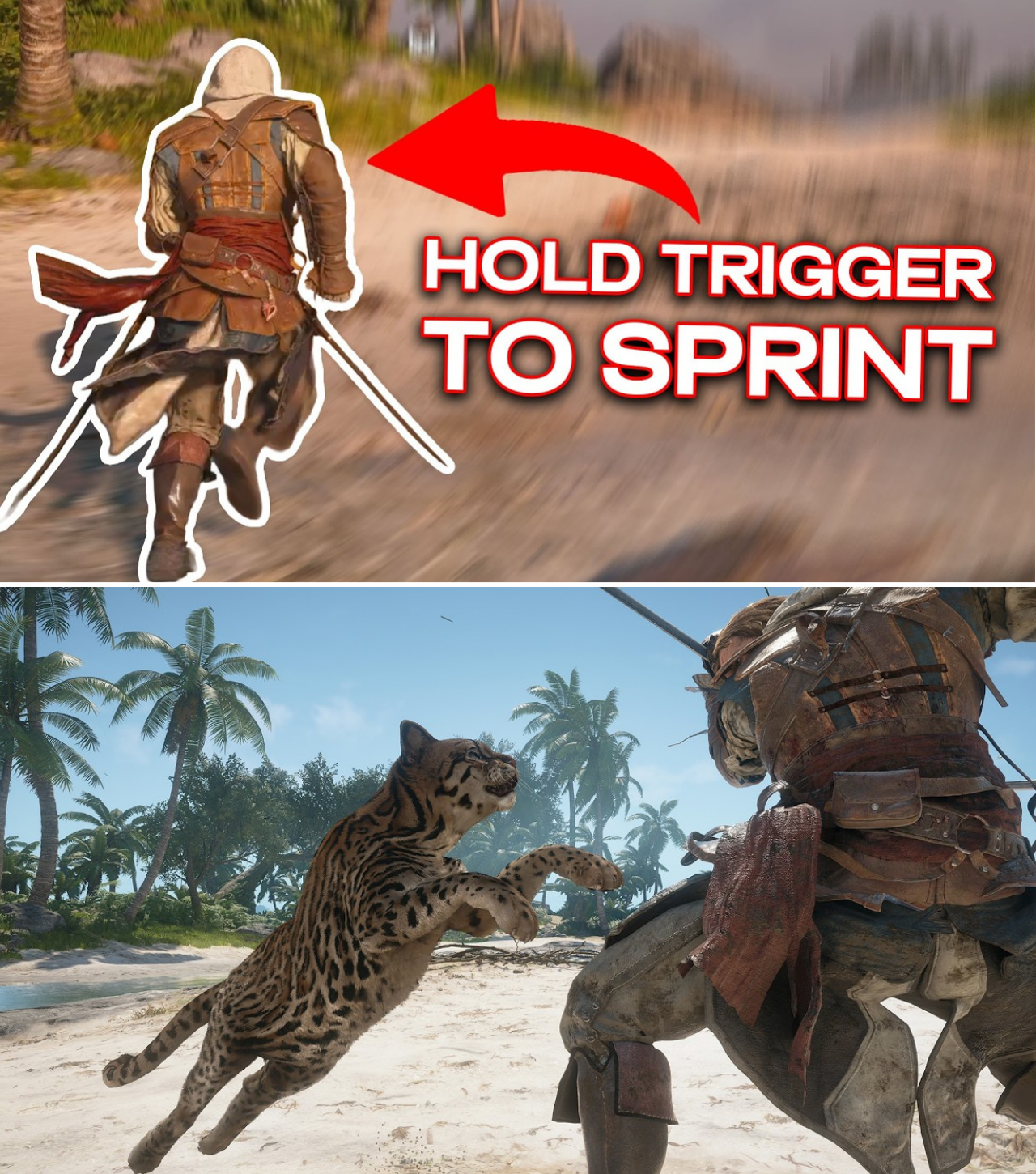
The sails are unfurled, the shanties are playing in glorious high-fidelity, and the Caribbean sun has never looked more dazzling. But beneath the gorgeous exterior of the newly launched Assassin’s Creed Black Flag Resynced, a quiet rebellion is brewing among the franchise’s most dedicated veterans.
Released on July 9, 2026, the remake rebuilt the beloved 2013 classic from the ground up on the modern Ubisoft Anvil engine. While critics have praised its snappier movement, stunning visual overhauls, and the inclusion of advanced traversal mechanics like manual jumps and ejects, a massive segment of the community is highly unimpressed by one glaring change: the default control scheme.
Following the layout of modern RPG-style entries like Valhalla and Shadows, the remake maps sprinting to a simple button press/toggle (L3/Left Stick) and basic attacks to the right shoulder bumper (RB/R1). For players who spent hundreds of hours in the original 2013 release holding down the Right Trigger (RT/R2) to sprint and mashing X/Square to fight, the new setup feels like wearing shoes on the wrong feet.
“Climbing and sprinting with a stick press feels completely wrong for Edward Kenway,” wrote one disgruntled fan on the r/assassinscreed subreddit. “It robs us of that tactile, analog control over our speed that made the classic parkour feel so good.”
Thankfully, the community has already hacked the system. Influential creators and legacy players have figured out a clever, step-by-step custom mapping bypass that forces the game to behave like its 2013 ancestor. However, because modern engine controls are tightly integrated with newly added features (like crouching and ability widgets), doing this incorrectly will completely break your game’s stealth and UI.
Below is the definitive, step-by-step blueprint currently circulating through Discord and YouTube to bring back the “Classic Controls” without breaking the game.
THE ‘RESYNCED’ CLASSIC CONTROL BLUEPRINT
To execute this, players must bypass the standard presets and dive deep into the game’s custom controller binding menu.
Step 1: Navigating to the Custom Menu
First, pause the game by pressing the Map button, and then press the Map button a second time to bypass the map screen and directly enter the System Menu. Scroll down to Options, press RB/R1 to navigate to the Controls tab, and select Customize Controls.
Step 2: The Sprint Rebind (The Nostalgia Hook)
By default, Edward sprints when you click the Left Stick. To fix this:
Hover over Sprint.
Press A/Cross to select it.
Bind it to Right Trigger (RT/R2).
CRITICAL CHANGE: Ensure you change the input behavior from Toggle to Hold.
The Caveat: The moment you make this swap, the game will flash a red warning indicating “conflicting bindings.” This happens because RT/R2 is hard-coded to activate the shoot/use tool command. However, community testing has confirmed that continuing with this setup does not disable your tools; they will still fire perfectly fine even when RT/R2 is assigned to sprint.
Step 3: Swapping Attack and Crouch
The modern layout forces you to attack with the Right Bumper (RB/R1) and crouch with X/Square. To restore the original combat feel, you must swap these:
Scroll down to Attack and rebind it to X/Square.
Scroll to Crouch and rebind it to Right Bumper (RB/R1).
The Stealth Warning: Do not attempt to bind “Assassinate” to X/Square as well. Unlike the 2013 original, the Resynced engine cannot handle contextual mapping for both standard attacks and assassinations on the same face button without breaking. If you force both onto X/Square, Edward will accidentally swing his sword when you attempt a silent bush assassination, immediately blowing your cover. Keep the contextual assassinate button on its default setting.
Step 4: Relocating the Ability Widget
Because RT/R2 is now occupied by your sprint, the modern “Ability Widget” needs a new home so it doesn’t constantly conflict with your movement.
Scroll down to Ability Widget.
Rebind it to L3 (Left Stick Press).
While this technically conflicts with the game’s Photo Mode, it serves as a harmless overlap. Pressing L3 will still let you access the widget during gameplay, and Photo Mode remains fully accessible through its alternative shortcuts.
COMMUNITY WARY OF THE “TRIGGER CONFLICT” LOOP
While the workaround has been hailed as a lifesaver for old-school fans, it highlights a broader, ongoing frustration within the Assassin’s Creed community regarding how modern Ubisoft games handle user interface layouts.
On Steam community forums, players have pointed out that while this layout successfully mimics the original game’s physics, players have to adapt to minor clunkiness. Because the modern engine relies heavily on active combat abilities, mapping sprint to a trigger means the HUD’s ability widget may occasionally flicker on screen while you run.
“It’s a compromises game,” explained YouTuber The Exile in a widely shared guide. “L3 for the widget wheel is slightly annoying, but there’s literally nowhere else to put it once you re-map the face buttons for classic parkour.”
Fans are actively pointing to Assassin’s Creed Mirage as a precedent, where Ubisoft Singapore eventually patched in a dedicated, official “Classic Controls” preset after receiving overwhelming player feedback. The community is hoping a similar post-launch update will officially solve the layout issue for Black Flag Resynced in the coming weeks.
Until then, this custom remapping guide remains the best, most authentic way to experience the Golden Age of Piracy the way it was always meant to be played.