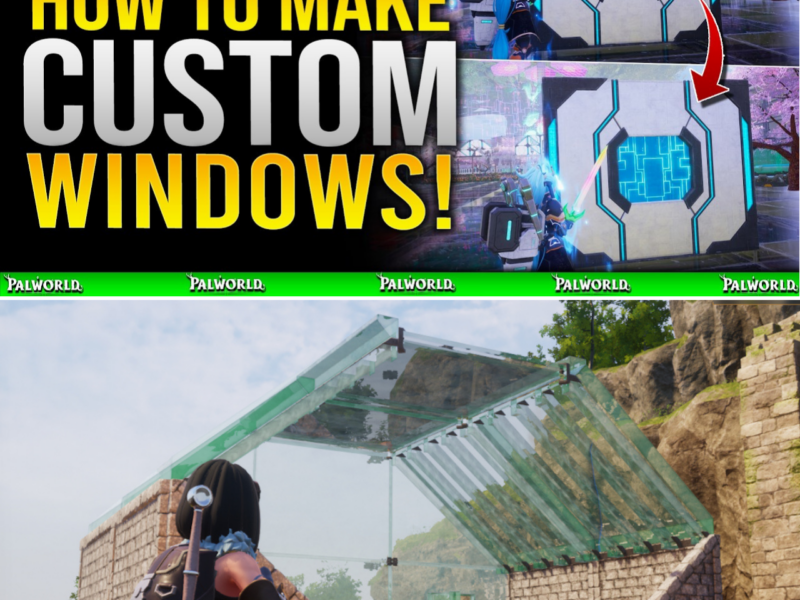
HOW TO BUILD CUSTOM OPENING AND CLOSING WINDOWS IN PALWORLD 1.0: THE DEFINITIVE BASE DESIGN GUIDE
BASE BUILDERS ARE LOSING THEIR MINDS OVER THIS HIDDEN PALWORLD 1.0 FUNCTIONAL WINDOW HACK! 🏠✨
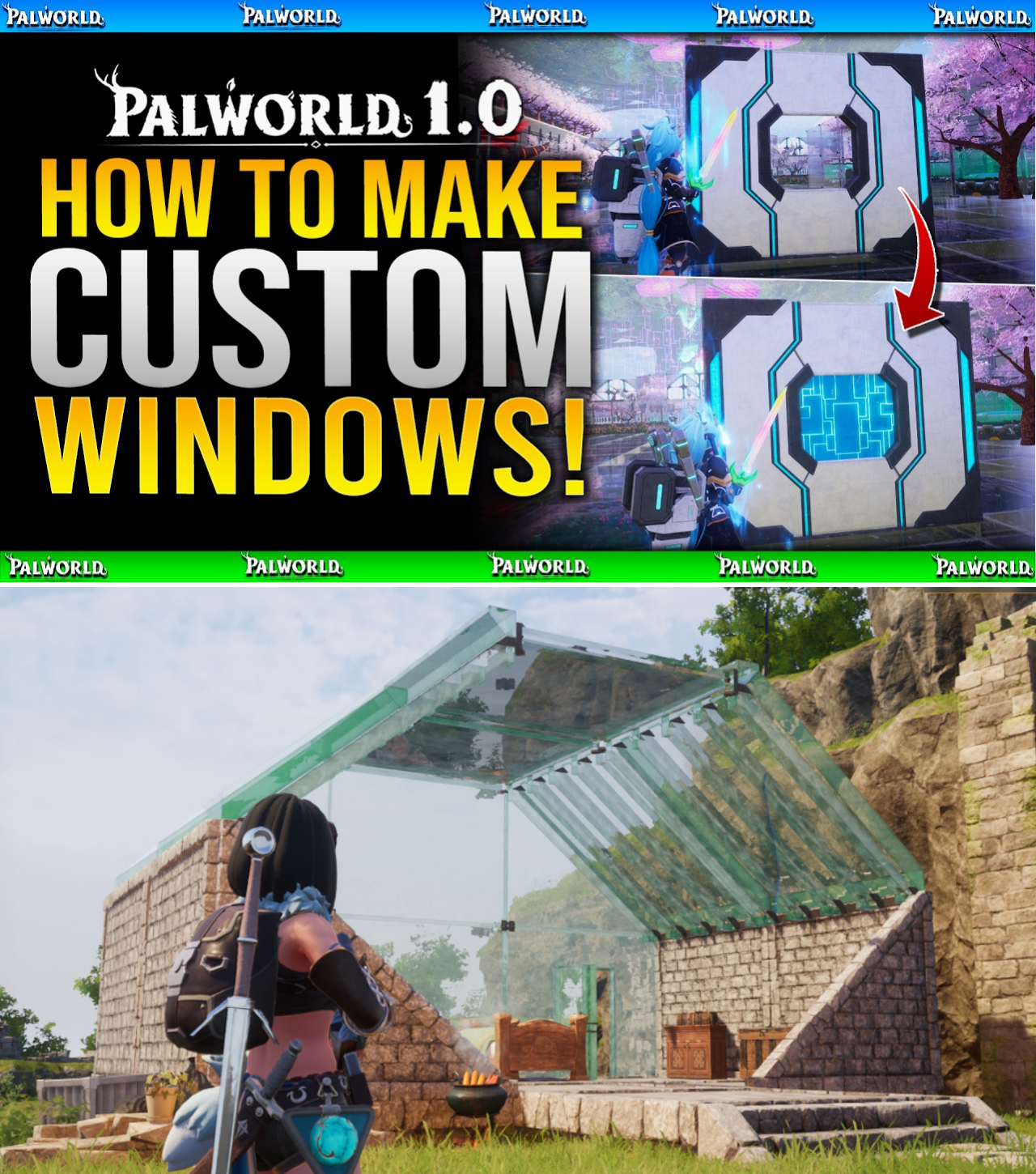
If you thought base structures in Palworld were limited to static walls and plain open window frames, think again! The building community just unlocked a mind-blowing structure replacement technique using sliding doors and split triangular walls that lets you build actual working windows you can manually OPEN and CLOSE on command!
Are you still living in a crude wooden box, or are you ready to upgrade your base with custom Japanese sliding glass and futuristic shutter windows? 👇🔥
As Palworld 1.0 expands the boundaries of survival crafting, players are no longer satisfied with functional resource hubs alone. The community’s focus has aggressively shifted toward aesthetic architecture, structural customization, and high-tier base building.
While developer Pocketpair provided standard structural sets—such as Wood, Stone, Clean, Japanese, and Ancient Civilization sets—the game lacks a native “interactive window” item. Base builders were previously forced to leave gaping open wall frames, exposing interiors to weather textures and wild Pal aggro.
However, a viral building breakthrough popularized by content creator DPJ has provided a brilliant solution. By utilizing Triangular Wall pairs and 1.0’s Structure Replacement mechanic, players can craft fully functional, interactive custom windows that open and close seamlessly on command.
Here is the step-by-step masterclass on mastering this structural glitch-build technique in Palworld 1.0.
Mechanical Foundation: How Structure Replacement Works
The trick relies on combining two distinct mechanics introduced and refined in Palworld 1.0:
Sliding Door Mechanics: Certain structural door sets—specifically the Japanese Style Set, the Clean Set, and the Ancient Civilization Set—use horizontal or vertical sliding door animations rather than swinging hinge animations.
Triangular Wall Splitting: A full square wall space can be constructed using two opposing right-angle triangle walls: an Inverted Triangular Wall (top-heavy) and a standard Triangular Wall (bottom-heavy).
By replacing the top triangular section with a sliding door frame while keeping the bottom section as a solid wall piece, the sliding door animation shrinks into the upper half of the frame—effectively functioning as a functional window shutter.
Step-by-Step Construction Process
[ Step 1: Base Wall ]        [ Step 2: Top Replacement ]     [ Step 3: Bottom Replacement ]
┌──────────────────┐          ┌──────────────────┐           ┌──────────────────┐
│ \ Inverted Tri   │  ────>   │   SLIDING DOOR   │   ────>   │  OPENING WINDOW  │
│   \  Wall        │          │   (Top Half)     │           │  (Sliding Door)  │
├──────────────────┤          ├──────────────────┤           ├──────────────────┤
│ Standard Tri \   │          │ Standard Tri \   │           │ Desired Custom   │
│ Wall           \ │          │ Wall           \ │           │ Wall Type      \ │
└──────────────────┘          └──────────────────┘           └──────────────────┘
Step 1: Build the Dual-Triangle Base Wall
Open your Build Menu and navigate to your preferred wall category (Wood, Stone, Clean, or Ancient).
Select the Inverted Triangular Wall (the triangle pointing downward). Place it in your target wall slot.
Select the standard Triangular Wall (the triangle pointing upward) and snap it directly beneath the inverted piece.
Result: You now have a visually complete, full-sized wall tile composed of two diagonal halves.
Step 2: Install the Sliding Door Mechanism
Open your Build Menu and select a door from a sliding set:
Japanese Style Door (Soji sliding panel look)
Clean Set Door (Sleek minimalist panel)
Ancient Civilization Set Door (Futuristic glass/metal shutter)
Hover over the wall you built in Step 1 and activate the Replace Structure command (Right Thumbstick press on Controller, or ‘R’ key on Keyboard).
Target the Top Inverted Triangle piece and confirm the replacement.
Result: The top half of your wall will convert into a half-height sliding door frame.
Step 3: Activate and Swap the Window
Walk up to the newly placed top door piece and press the interaction button to OPEN the door.
Critical Rule: Leaving the door in the “Open” state is mandatory; attempting to replace the lower section while the door is closed will cause structural overlap bugs.
Open your Build Menu and select your desired bottom wall material (e.g., Japanese Wall, Clean Wall, or Wood Wall).
Activate the Replace Structure mode again, target the Bottom Triangle piece, and confirm the replacement.
Step 4: Testing Your Interactive Window
Once both replacements are complete, approach the structure. Interacting with the upper frame will cause the panel to slide open and closed effortlessly, creating an authentic, custom-built window shutter!
Material Compatibility & Troubleshooting Matrix
While the technique works seamlessly across most material tiers, community builders have identified specific interaction quirks in Palworld 1.0:
Material / Set
Sliding Door Window Performance
Notes & Compatibility
Japanese Style Set
S-Tier (Best)
Offers paper/slat textures; perfect for traditional bases.
Clean Set
S-Tier (Best)
Sleek glass/modern look; highly recommended for interior rooms.
Ancient Civilization
A-Tier (Excellent)
Great sci-fi aesthetic; pairs well with glass/metal bases.
Wood / Stone Sets
B-Tier (Good)
Functional, but door textures can appear slightly thick.
Metal Wall Set
F-Tier (Bugged)
Avoid. Metal full walls frequently glitch out collision hitboxes when paired with triangular door replacements.
Common Troubleshooting Issues:
“Cannot Place Structure” Error: Ensure you are opening the top sliding door before attempting to replace the bottom triangular piece.
Misaligned Frames: Make sure you start with an Inverted Triangle on top and a Standard Triangle on the bottom. Reversing them will place the window on the floor level instead of eye level.
Architectural Applications for 1.0 Bases
Mastering interactive windows opens up incredible building opportunities across Palpagos Island:
Defense Fortresses: Build high-walled sniper nests with sliding metal/ancient shutters. Players can slide windows open to shoot incoming Raid bosses with Plasmacasters, then close them to block incoming AoE projectiles.
Coastal & Mountain Resorts: Combine Clean Set sliding windows with elevated foundations on ocean or cliff bases to create panoramic views that open up to the ocean.
Multi-Colored Decorative Trim: By mixing different sets (e.g., pairing an Ancient top door with a painted Clean bottom wall), builders can create custom dual-tone wall patterns unavailable in the base game.
With Palworld 1.0 continuing to push the boundaries of sandbox customization, techniques like custom sliding windows prove that creative player ingenuity remains the ultimate building tool.