Finding the Balance: How to Optimize Your Performance in ‘Black Flag Resynced’
IS YOUR PC STRUGGLING WITH AC BLACK FLAG RESYNCED? 🖥️🔥
Everyone is reporting massive frame drops in Assassin’s Creed: Black Flag Resynced, especially when those heavy naval battles kick in. If you’re tired of stuttering during intense boarding actions, it’s time to stop running everything on “Ultra.”
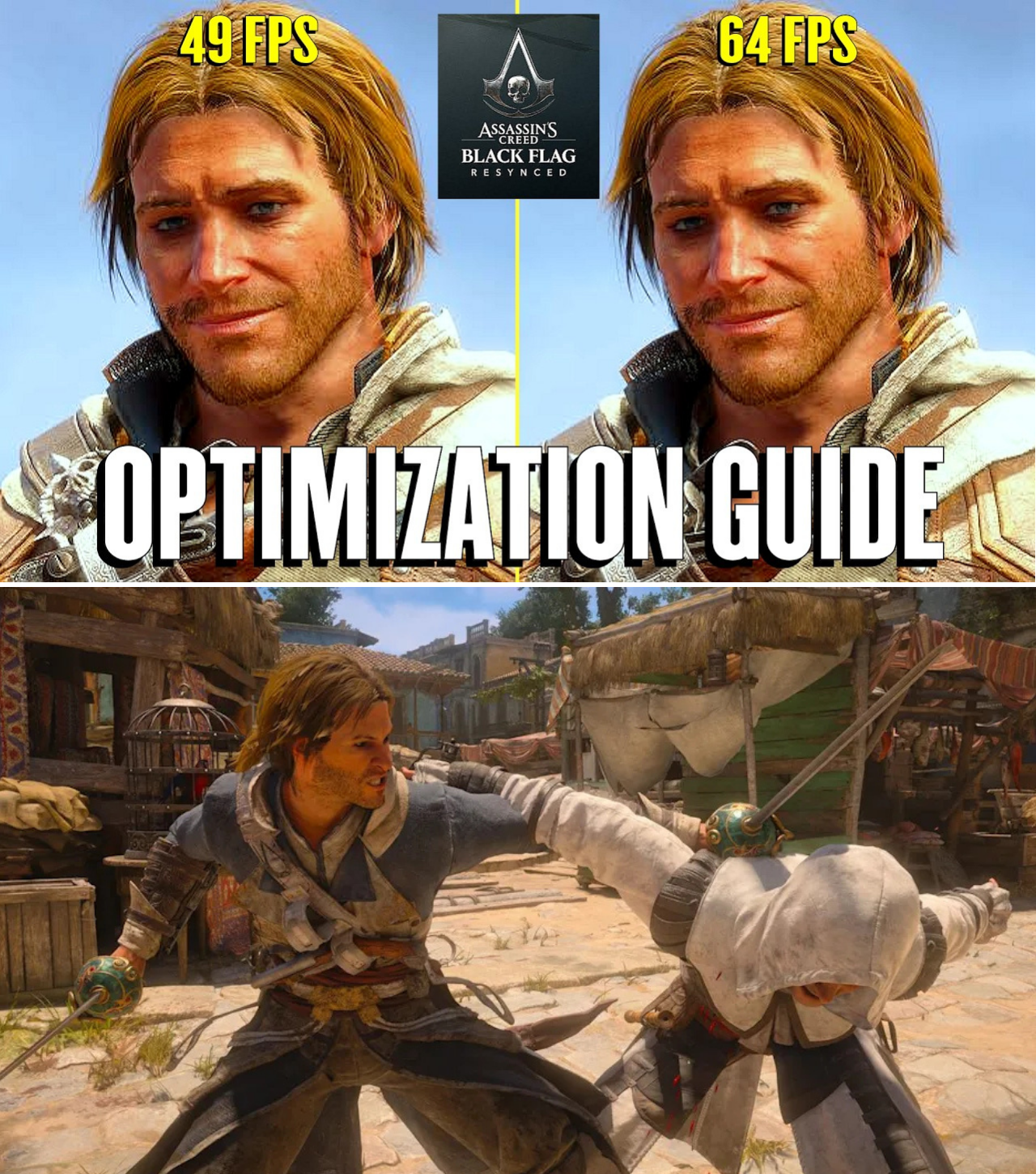
We’ve found the “secret” optimization guide that boosts performance by 15+ FPS without making the game look like a potato. The biggest shock? Some settings like Shadow Quality or Fog are actually killing your performance for zero visual gain. We’ve mapped out exactly which settings you can crank down to “High” or “Medium” to stabilize your frame rates for those crucial moments on the high seas.
Don’t let poor optimization ruin your pirate experience. See exactly which settings to tweak to get that buttery smooth performance today 👇
The highly anticipated Assassin’s Creed: Black Flag Resynced has arrived, and while the game offers a stunning visual overhaul, it comes at a significant cost to hardware. Players are finding that even high-end systems are struggling to maintain a consistent frame rate, leading to a surge in demand for reliable optimization guides.
The “Ultra” Trap
The common impulse for PC gamers is to default to “Ultra” or “Ultra High” across all settings. However, in Black Flag Resynced, this approach is counterproductive. Extensive testing, such as that conducted by technical content creator DanteKOG, reveals that several high-end settings offer diminishing returns on visual fidelity while exerting a disproportionate load on the GPU.
Key Optimization Takeaways
To achieve the “sweet spot”—maximizing frame rates without sacrificing the game’s aesthetic—players should prioritize adjustments to the following settings:
Shadow Quality: Dropping this from Ultra High to High can net a significant gain (approximately 9 FPS) while maintaining shadow clarity. The “Ultra” settings often introduce aggressive filtering that can make shadows appear blurry at long distances.
Ray Tracing: As the most demanding feature, RT should be used sparingly. Even on high-end hardware, using the “High” setting instead of “Ultra” provides a smoother experience with minimal impact on reflections and global illumination.
Fog Quality: Surprisingly, this setting exhibits little to no visual impact across different levels, despite a noticeable performance cost. Setting this to “Very Low” is a “free” FPS gain.
Cloud Quality: Medium settings are visually indistinguishable from Ultra High but offer a performance buffer of about 5 FPS.
Texture Resolution and VRAM Management
Unlike other settings, Texture Resolution Quality and Terrain Texture Quality are tied directly to your GPU’s VRAM. As long as your settings remain within the VRAM gauge limit provided in the game menu, you can set these to the highest available option without performance penalties.
A New Standard for Performance
By applying these targeted optimizations, it is possible to achieve a substantial performance boost—testing shows improvements of up to 15 FPS without perceptible loss in visual fidelity.
“The goal isn’t to turn the game down,” says one technical analyst, “it’s about trimming the fat on settings that the human eye can’t distinguish during gameplay.”
As the Resynced community continues to push for stability, these optimized settings serve as a vital resource for players looking to enjoy the Caribbean without the technical frustration. For the best balance of performance and beauty, start with these adjustments and see how much more responsive your gameplay becomes.