THE 0-0-0 PAINT HACK: HOW PALWORLD 1.0 BUILDERS ARE TURNING DULL GLASS INTO HIGH-GLOSS MIRROR STRUCTURES
BASE BUILDERS ARE LOSING THEIR MINDS OVER THIS 1.0 COLOR CODE HACK THAT TURNS DULL GLASS INTO ULTRA-REFLECTIVE MIRRORS! 🪞✨
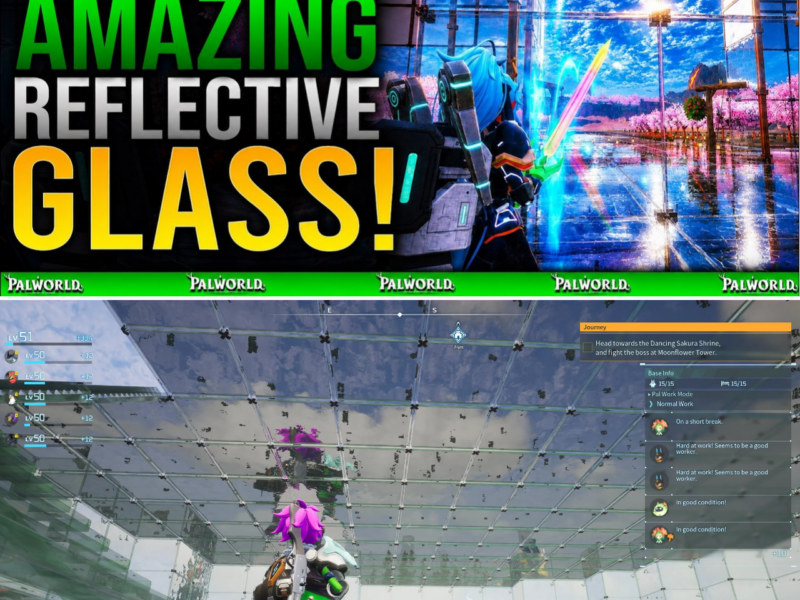
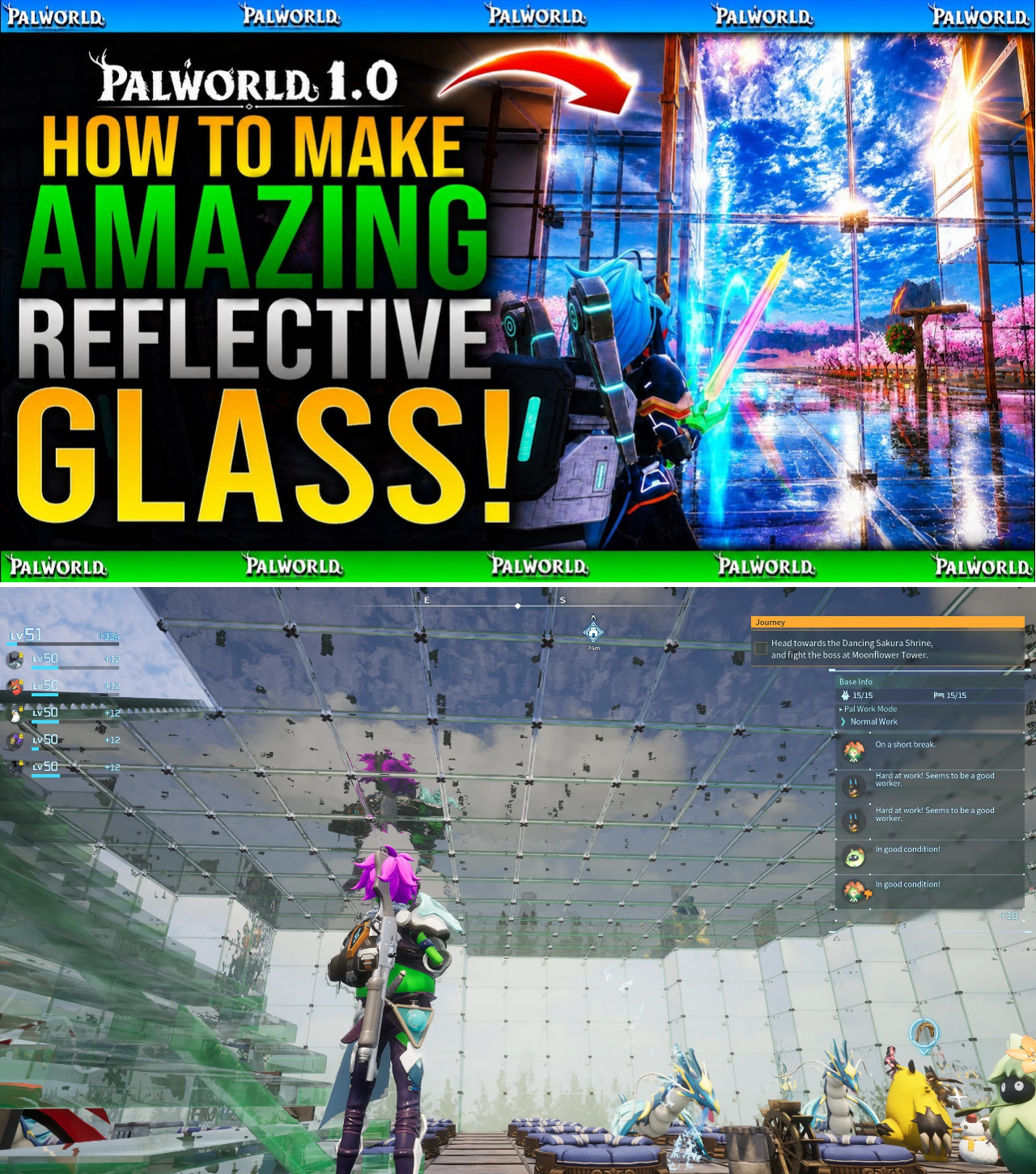
Tired of your expensive Glass base structures looking like murky, dull green plastic? The Palworld architectural community just uncovered a dead-simple Paint Mode trick that completely strips away the default greenish tint and transforms ordinary glass tiles into high-gloss, mirror-like surfaces that reflect natural lighting, base torches, and the World Tree horizon!
Are you still living in a murky green greenhouse, or did you already input the exact 0-0-0 color code to unlock luxury glass architecture? 👇🔥
With the launch of Palworld 1.0, building enthusiast communities shifted their focus from basic functional shelters to grand architectural wonders. Among the available structural materials, Glass structures (foundations, walls, ceilings, and roofs) stand out as the premium material for modern base builds, ocean resorts, and sky-scraping towers.
However, many builders expressed frustration with the game’s default rendering for Glass tiles. Unpainted Glass structures spawn with a murky, dull green tint that absorbs ambient light and renders reflection maps almost completely flat.
That aesthetic limitation has been completely shattered thanks to a simple yet revolutionary discovery by content creator DPJ. By manipulating 1.0’s custom Paint Mode Palette Editor and applying an absolute pitch-black RGB values configuration (0-0-0), players can strip away the murky green filter—locking in an ultra-reflective, mirror-like finish that dynamic lighting and environmental horizons bounce off of.
Here is the comprehensive guide on executing the 0-0-0 Reflective Glass Technique in Palworld 1.0.
Understanding 1.0 Shader & Paint Dynamics
In Palworld 1.0, structural surface rendering behaves differently depending on material properties and applied paint channels:
Default Unpainted Glass: The game applies a green-tinted transparency shader meant to mimic thick industrial glass. However, this shader muffles surface reflectivity, dulling ambient light sources (such as fire lamps, base lights, or the glowing World Tree).
Standard Color Paints: Applying standard colors (such as Blue, Red, or Yellow) simply overlays a heavy colored tint onto the glass, preserving opacity while still blocking natural environmental reflection.
The 0-0-0 Pitch-Black Palette Shift: Setting the custom color palette sliders to absolute minimum (RGB 0, 0, 0) triggers a unique rendering interaction. Instead of painting the glass solid matte black, the shader neutralizes the default green diffuse texture while maximizing the material’s specular/reflection map.
[ Default Unpainted Glass ]  ───>  Murky Green Tint  ───>  Low Surface Reflectivity (Flat Look)
                                          │
                            (0-0-0 Custom Palette Shift)
                                          │
[ Pitch-Black RGB 0-0-0 ]    ───>  Removes Green Diffuse ───>  ULTRA-HIGH SPECULAR MIRROR REFLECTION
The result is a sleek, ultra-clean, tint-less glass surface that mirrors the sky, water reflections, dynamic lighting, and surrounding structures with high-gloss fidelity.
Step-by-Step Guide to Creating Reflective Glass
Executing this trick takes only a few seconds and works across all Glass building tiles (foundations, walls, roofs, and windows).
┌─────────────────────────────────────────────────────────┐
│              PAINT MODE EXECUTION FLOW                  │
├─────────────────────────────────────────────────────────┤
│ 1. Equip Paint Tool / Enter Paint Mode (D-Pad Up / 'P')  │
│ 2. Open Edit Palette Menu (LB / L1 / Palette Key)       │
│ 3. Drag All Color Sliders to Minimum (R:0, G:0, B:0)    │
│ 4. Save Custom Color & Spray Glass Structures           │
└─────────────────────────────────────────────────────────┘
Step 1: Open Paint Mode
Stand near your Glass structures.
Enter Paint Mode (Press D-Pad Up on controller, or key-bind shortcut on PC, then select the Paint icon).
Step 2: Access the Custom Palette Editor
In the Paint Mode interface, select Edit Palette (Press LB / L1 on controller or the corresponding UI button on PC).
Step 3: Configure the 0-0-0 Color Value
In the color editor wheel/sliders, manually drag every single color value down to the absolute bottom:
Red (R): 0
Green (G): 0
Blue (B): 0
Confirm and save the custom color selection. The palette preview slot will display an absolute black swatch.
Step 4: Apply to Glass Tiles
Point your paint tool at any installed Glass wall, glass foundation tile, or glass roof section.
Apply the custom 0-0-0 paint color.
Instant Transformation: Watch as the murky green glass instantly clears, turning into a crystal-clear, highly reflective mirror surface that catches dynamic lighting from all angles.
Comparative Visual Matrix
Glass Paint State
Color Values
Visual Character
Reflectivity Index
Default Unpainted
N/A (Standard)
Murky, dull green plastic tint
Low (Absorbs light)
Standard Colored Paint
Standard Swatches
Opaque, flat color overlay
Low-Medium
0-0-0 Reflective Hack
RGB (0, 0, 0)
Clear, high-gloss, mirror-like finish
MAXIMUM (Reflects lighting/sky)
Architectural Applications for 1.0 Bases
Mastering this simple color code elevates 1.0 base architecture to new heights:
Water Bases & Coastal Resorts: When built over ocean or lake surfaces, 0-0-0 glass foundations mirror the water texture beneath them, creating an illusion of walking directly on the water’s surface.
World Tree Vista Platforms: Building glass observation decks facing the World Tree allows the tree’s intense ambient glow to reflect off interior floors and ceilings, providing dramatic natural illumination.
Showroom Glass & Pal Display Rooms: Standard green glass obscures Pals or items placed behind it. The 0-0-0 glass finish acts like museum-grade display glass, keeping interior displays completely visible while adding a sleek exterior shine.
By utilizing this effortless 0-0-0 color adjustment, Palworld 1.0 builders can strip away dull default textures and elevate their bases with high-end, mirror-finish glass design.